
Faster
20×
Faster end-to-end message delivery
KubeMQ13 ms
Kafka274 ms
128 KB client batches.
p99 measures the latency threshold for 99% of messages. Lower is better.
Enterprises across industries.
 Electrical Equipment
 Consulting & Technology
 Enterprise IT
 Advanced Materials
 Energy & Utilities
 Telecommunications
Connect supported Kafka applications to KubeMQ using your existing client libraries, producer and consumer code, topic names, and consumer groups.
Bring eligible topic history and map consumer positions as part of your migration. Assess compatibility before moving each workload.
Your familiar Kafka clients and application code.
Go’s lightweight goroutines help KubeMQ process many messages concurrently and efficiently. In this benchmark, KubeMQ delivered 20× faster end-to-end latency at p99.
Faster end-to-end message delivery
128 KB client batches.
p99 measures the latency threshold for 99% of messages. Lower is better.
The message throughput
Messages/sec · highest target rate reached.
KubeMQ can scale further with more CPU cores. In the tested configuration, Kafka stayed capped at 400K messages/sec even with additional cores.
Ask in chat. Your AI tools handle the migration through KubeMQ’s kmq CLI.
Assess your Kafka workloads, copy and validate data, then coordinate the switch — from the AI tools you already use.
Your AI tools execute the migration steps.
Help me migrate from Kafka to KubeMQ.
Interactive example · no migration is executed
KubeMQ is built for easy deployment and low-maintenance operations, bringing the simplicity of a managed service to your own infrastructure — with your organization in full control of its data, deployment, and operations.
Try the five-minute quickstart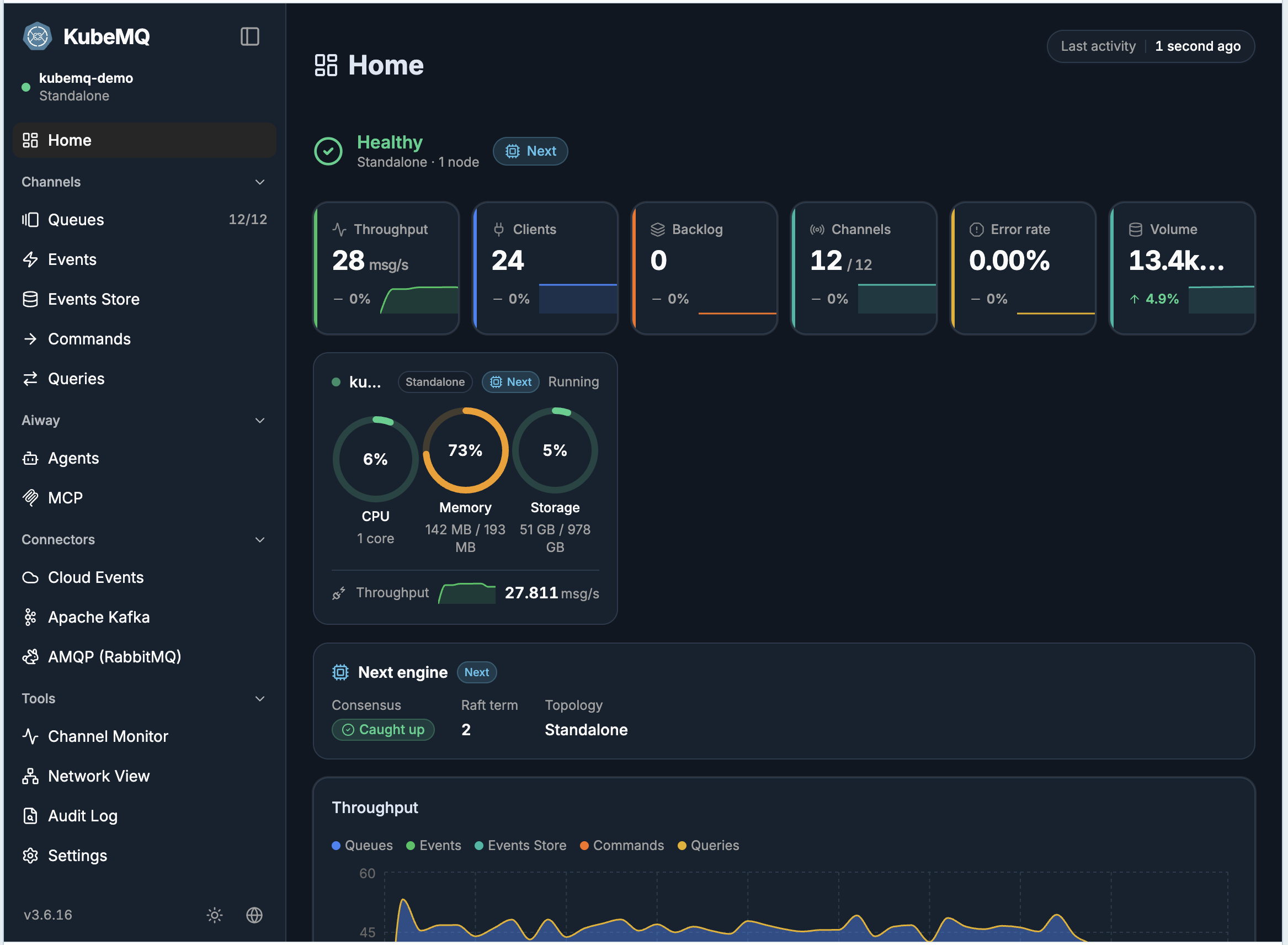
Actual KubeMQ dashboard with sample traffic.
You control deployment, data location, and operations.
The 80% savings claim applies to high-volume enterprise Kafka customers spending more than $1 million per year on messaging. KubeMQ uses fixed-cost pricing, with tiers based on package size rather than message volume. Your savings depend on your current costs and the package that fits your needs.
KubeMQ licensing is fixed within your selected package tier, with no message-volume charges. Moving to a different package tier changes the license price. Infrastructure and operational costs depend on your workload and deployment.
KubeMQ’s migration tools help you assess compatibility, copy messages, and map consumer offsets. Validate your applications and performance before switching workloads in stages, with a migration plan tailored to your environment.
Explore migrationYes. Begin with a selected workload, validate compatibility and performance, and expand in controlled stages. KubeMQ migration tools help your team move quickly while retaining control of the rollout and cutover timing.
Tell us what you run and what it costs. We’ll compare the economics and map a fast, controlled migration with KubeMQ Migration Tools.